

Last Updated: November 2, 2026
Quick Summary
Real-time inventory data is worth it for auto shops when daily parts transaction volume, inventory value, and stock-error rates are high enough that fewer stockouts and less idle labor outweigh the software, hardware, and cleanup costs. Most shops see payback inside 18 months, with the first wins clustering around high-volume parts and repeat jobs.
- Real-time inventory data is a live record of parts on hand, where they sit, and what they cost.
- Nearly one in six responses in IMR automotive repair research cited real-time inventory checks as critical.
- Every unscanned issue creates a one-part gap between system count and physical count.
- Count top-moving parts weekly, mid-movers monthly, and slow movers quarterly to catch drift.
- A hybrid model tracks high-turnover parts live and counts slow movers periodically.
Table of Contents
- What Real-Time Inventory Data Actually Changes on the Shop Floor
- The Case For Real-Time Inventory Tracking Software
- The Case Against: Accuracy Limits and Real-World Failure Points
- Auto Parts Inventory Management: What Real-Time Data Can and Cannot Fix
- Spreadsheets vs. Software: Why Inventory Tracking Spreadsheets for Auto Shops Hit a Ceiling
- Taming Parts Shortages and Overstock With Better Data
- A Decision Framework: Is Real-Time Tracking Worth It for Your Shop?
- See Real-Time Inventory Data in Action With Blue Sage Software
- Frequently Asked Questions
What Real-Time Inventory Data Actually Changes on the Shop Floor
Real-time inventory data is a live, continuously updated record of what parts you have on hand, where they sit, and what they cost.
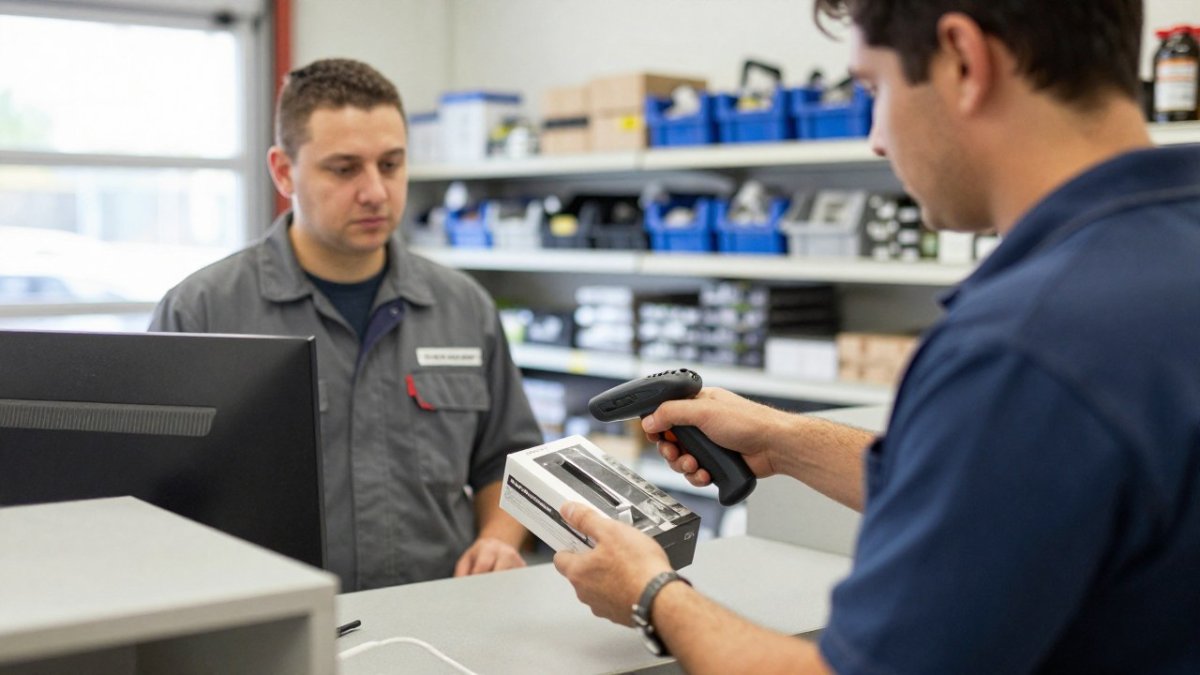
That shift sounds small. It isn’t.
According to Fortune Business Insights’ inventory management software market forecast, the global inventory management software market is projected to hit $2.75 billion in 2026 and reach $5.52 billion by 2034 at a 9.13% compound annual growth rate.
Here’s what changes first: the counter stops guessing.
From periodic counts to a live stock picture
A periodic count tells you what you had last Tuesday. A live picture tells you what’s on the shelf right now, including the part a technician just pulled.
That difference shows up in three places:
- Parts availability checks happen at the counter, not in the back room
- Reorder triggers fire from actual usage, not a calendar
- Work orders tie parts to jobs the moment they’re issued
Nearly one in six responses in automotive repair shop management research from IMR emphasized real-time inventory checks and order tracking as critical amid supply-chain pressure. That’s demand talking, not vendor marketing.
The Case For Real-Time Inventory Tracking Software
The strongest argument for real-time inventory tracking software is simple: it closes the gap between what your system says and what your shelves hold.
- Less counter time wasted hunting for parts the system claims exist
- Fewer stockouts on high-turnover items because reorder points track real usage
- Tighter cash flow when excess inventory stops quietly eating carrying costs
If you want the mechanics behind accuracy gains, our guide on how to improve inventory accuracy with ERP software walks through the data cleanup steps that make tracking trustworthy.
Where the payback shows up first
Payback rarely arrives evenly. In our experience with multi-store operations, the first wins cluster around high-volume parts and repeat jobs, where shops see fewer emergency orders. Slow-moving specialty items take longer, and that’s normal.
The Case Against: Accuracy Limits and Real-World Failure Points
Real-time inventory data is only as good as the discipline behind it. The system can’t see a part that walked out without a scan, and it can’t fix a receiving process where boxes get shelved before they’re logged. The useful question is how to catch these failures before they cost you a job.
Failure point 1: Unscanned issues and the drift they create
A technician grabs a part and promises to log it later. Later never comes.
Every unscanned issue creates a one-part gap between system count and physical count, and those gaps compound quietly.
The fix isn’t more software. It’s a scanning workflow that fits the technician’s actual path: a scanner at the bay, a parts request tied to the work order, and a counter process that won’t release a part without a scan.
Failure point 2: Dirty item masters
Duplicate part numbers, wrong unit costs, and superseded numbers that were never retired poison every report downstream.
The cleanup is unglamorous but finite.
Watch out: shops that migrate dirty data into a new system simply move the problem. Clean the item master first, or the first month of live data will be untrustworthy.
Failure point 3: No cycle-counting habit
Live data drifts without periodic verification. The shops that trust their real-time numbers most count a small slice of inventory every week, high-value parts, high-turnover parts, and anything with a recent adjustment.
A practical cadence: count top-moving parts weekly, mid-movers monthly, and slow movers quarterly. When a variance traces back to an unscanned issue or an undocumented adjustment, digital vehicle inspections can reinforce the same habit of recording work as it happens.
Failure point 4: Delayed supplier feeds and returns
Real-time data is only as current as the feeds behind it. If your supplier’s availability feed updates once a day, your “on order” status can lag reality.
The mitigation is process, not technology. Confirm supplier feed frequency before you rely on it for customer promises. Build a returns check-in step into the counter workflow so returned parts re-enter the system the same day.
How to tell if your real-time data has gone stale
Run this quick audit quarterly:
- Sample 25 high-turnover parts and physically count them against the system
- Review all manual adjustments from the past 30 days and confirm each has a note
- Check the last 10 returns and confirm each was checked back in
If more than a handful of items fail these checks, your “real-time” numbers are weeks stale in the categories that matter most. Our 2026 cycle count guide covers how to catch that drift before it costs you a sale.
Auto Parts Inventory Management: What Real-Time Data Can and Cannot Fix
Auto parts inventory management gets better with live data, but not magically. Real-time tracking fixes visibility problems. It does not fix a broken catalog, a supplier who ships late, or staff who won’t scan.
What it can fix:
- Knowing whether a part is on the shelf, on order, or committed to a work order
- Spotting parts shortages before a bay sits idle
- Flagging overstock before it becomes dead capital
What it cannot fix:
- Vendor lead times you don’t control
- Fitment gaps in your catalog
- A receiving process nobody follows
For a broader look at tightening the whole system, our parts inventory optimization guide covers the levers beyond tracking alone.
Spreadsheets vs. Software: Why Inventory Tracking Spreadsheets for Auto Shops Hit a Ceiling
Inventory tracking spreadsheets for auto shops work fine until they don’t. The ceiling arrives when more than one person touches stock at once, or when you run more than one location.
Here’s the honest comparison:
| Factor | Spreadsheets | Real-Time Software |
|---|---|---|
| Multi-user updates | Manual, conflict-prone | Automatic sync |
| Multi-store visibility | Separate files | Centralized view |
| Reorder triggers | Manual review | Automated alerts |
| Parts-to-job tracking | Disconnected | Tied to work orders |
| Audit trail | None | Full history |
Spreadsheets aren’t stupid. They’re cheap and flexible. But they can’t see a sale at store two while the counter at store one is quoting the same part.
Taming Parts Shortages and Overstock With Better Data
Parts shortages and overstock are two sides of the same problem: you don’t know what you’ll need until you need it. Better data narrows that gap by replacing gut feel with demand patterns.
A survey of more than 2,500 automotive dealer professionals found that only 12.6% said they use sophisticated analytical data to monitor days on the lot, according to Auto Dealer Today’s inventory management survey.
Reorder points that reflect actual demand
Set reorder points from real usage, not from a number someone picked years ago. Review them quarterly. A part that moved twice last month shouldn’t trigger the same order as one that moved forty times.
- Track usage by part, not by category
- Adjust for seasonality where your market has it
- Separate high-turnover from specialty stock
For shops weighing the broader decision, our automotive inventory management case studies show how other businesses handled the same trade-offs.
A Decision Framework: Is Real-Time Tracking Worth It for Your Shop?
Is real-time inventory data worth it for auto shops? It depends on four measurable inputs: your daily parts transaction volume, your inventory value, your current stock-error rate, and the cost of a single stockout. Most shops that ask already suspect the answer, they need a way to prove it before signing a contract.
Use this framework to run the numbers on your own operation.
Step 1: Measure your current inventory accuracy
Pull a random sample of 50 to 100 part numbers from your system. Physically count each one. Divide the number of matches by the total sample size. That percentage is your baseline accuracy.
Step 2: Calculate the cost of a stockout
A stockout costs more than the lost part sale. Add up:
- Idle technician time. A bay sitting empty for 45 minutes while someone drives to a nearby store is billable labor you cannot recover.
- Emergency order premium. Same-day or next-day freight from a local jobber typically runs higher than standard replenishment.
- Lost or delayed job. A vehicle staying overnight for a missing part ties up a bay and can cost you the next job.
Multiply your average stockout cost by last quarter’s stockout count to get your annual stockout exposure.
Step 3: Quantify excess and dead stock
Run an inventory aging report. Any part with no movement in 12 months is dead capital. Multiply the on-hand quantity by unit cost and add it up.
Real-time data surfaces slow movers by actual usage rather than category averages. A quarterly dead-inventory review driven by live usage data is one of the fastest ways to free up cash without cutting service levels.
Step 4: Weigh implementation cost against payback
Real-time tracking is not free. Budget for:
- Software subscription or license, pricing depends on your user count and number of locations; contact Blue Sage Software for a current quote
- Setup and data cleanup, the item master almost always needs deduplication and unit-cost correction before go-live
- Barcode or scanning hardware, handheld scanners and label printers at each receiving and counter station
The payback math is straightforward: add the annual savings from fewer stockouts, less idle labor, and reduced excess stock, then compare that total against your annual software and hardware cost.
Step 5: Score your operational complexity
Answer these three questions honestly:
- How many parts transactions do you process on a typical day? High volume means high value from live data.
- How many locations do you operate? More than one store makes centralized inventory close to essential.
- How disciplined is your scanning today? No scans, no real-time. Fix the habit before you buy the tool.
If steps 1 and 2 point to complexity and step 4 shows payback inside 18 months, real-time tracking earns its keep. If not, a hybrid model, live tracking on high-turnover parts, periodic counts on slow movers, is often the smarter first move.
Watch out: shops that skip the baseline accuracy measurement in step 1 often buy software expecting instant improvement, then blame the tool when the item master was the real problem. Measure first, then decide.
For shops weighing the broader decision, our automotive inventory management case studies show how other businesses handled the same trade-offs.
See Real-Time Inventory Data in Action With Blue Sage Software
Blue Sage Software builds ERP, POS, and inventory management for the automotive aftermarket, with over 35 years in the space and flexible on-premise or cloud deployment.
If you’re ready to evaluate, our guide on what to look for in an automotive parts store software demo covers the features and integration questions that matter most.
Frequently Asked Questions
What does real-time inventory management mean for an auto shop?
It means stock levels update the moment a part is sold, received, or pulled for a work order, instead of waiting for a weekly or monthly count. Shop staff can see what is on the shelf, what is committed to open repair orders, and what needs reordering without walking the aisles. The value depends on how clean your starting data is and whether your suppliers feed updates into the system. Without vendor integration, real-time data only reflects your own transactions, not what is available upstream.
How can an auto shop tell whether inventory software is worth it?
Measure the problems you already have: how often technicians wait on parts, how much capital sits in slow-moving stock, and how many returns come from wrong-fit parts. Then compare those costs against the software’s subscription and setup effort. A shop with frequent stockouts and multiple locations usually recovers the cost faster than a single-store operation with stable demand. Ask vendors for references from shops of similar size, and check whether real-time inventory tracking software includes supplier data feeds or only internal counts.
What are the drawbacks of real-time inventory tracking?
The main drawbacks are data cleanup time, staff adoption, and false confidence. If opening counts are wrong, the system reports wrong numbers in real time, which can be worse than a manual count because people trust it. Scanners get bypassed during busy hours, returns get logged late, and core charges get missed. Supplier feeds can lag or drop out. Plan for a transition period where you still spot-check high-value parts, and assign one person to own accuracy rather than assuming automation solves it.
How do auto shops reduce parts shortages and overstock?
Start with demand history by part number, not gut feel. Set reorder points from actual usage and lead times, then review them quarterly. Real-time data helps because it shows committed stock on open work orders, so you reorder before the shelf is empty. For overstock, flag parts with no movement in 90 to 180 days and stop replenishing them. Centralizing inventory across stores also lets you transfer slow movers instead of buying duplicates, which cuts both shortages and excess inventory at the same time.
The real question isn’t whether live data beats guesswork. It’s whether your shop is ready to feed that system clean, consistent information. Blue Sage Software has helped automotive aftermarket businesses run centralized inventory, real-time delivery tracking, and dependable multi-store operations for more than three decades, with a team carrying over 100 years of combined experience. Get started with Blue Sage Software and turn your parts inventory into a system you can actually trust.
