
Last Updated: October 23, 2026
Quick Summary
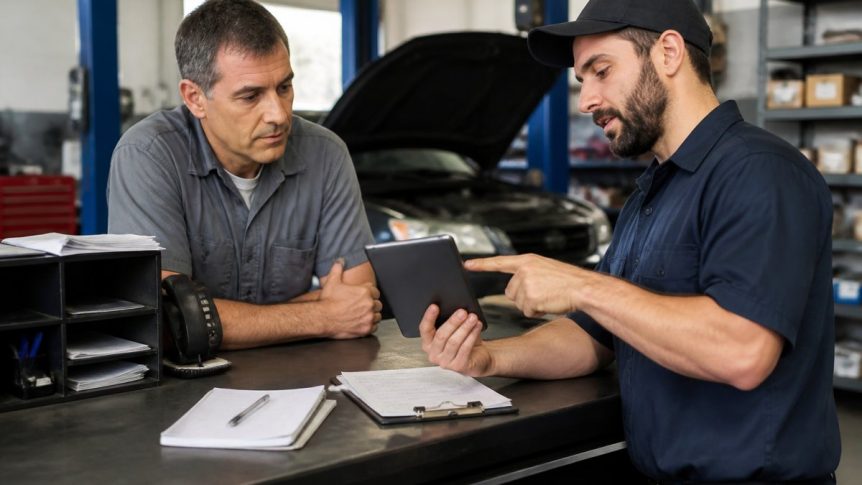
Digital invoicing auto shops streamlines the entire invoice lifecycle from estimate approval through payment collection, automating labor tracking, parts costs, and customer communication in one connected workflow. Over 71% of U.S. repair shops now use digital invoicing and service-management tools to reduce manual errors, accelerate cash flow, and improve operational visibility.
- Fully automated invoicing reduced costs by 97% and processing time by 87% compared with manual methods.
- Digital systems should connect estimates, repair orders, parts inventory, and payment processing to eliminate manual data entry across multiple platforms.
- Customer digital approval of estimates compresses authorization cycles from days to hours, eliminating email and paper delays.
- Technicians logging time and parts pulls on mobile devices in the bay feeds real-time data directly into invoice line items.
Table of Contents
- Why Digital Invoicing Matters for Independent Auto Shops
- Auto Repair Invoicing Software: Core Capabilities
- Auto Repair Estimates and Invoices: From Approval to Payment
- Digital Repair Orders and Job Tracking
- Parts Inventory Management for Auto Shops
- Key Features to Evaluate in Digital Invoicing Solutions
- Making the Transition: Migration and Scalability
- Frequently Asked Questions
Why Digital Invoicing Matters for Independent Auto Shops
Over 71% of U.S. repair shops now rely on digital invoicing and service-management tools, according to Persistence Market Research’s Auto Repair Software Market analysis. This shift isn’t just about modernization, it’s about survival.
In any high-volume shop, manual invoicing becomes a bottleneck: paper trails disappear, payment delays compound, and staff burn hours on non-revenue work.
At Blue Sage Software, we’ve spent over 35 years watching repair shops evolve. The ones that scaled successfully automated the right processes first, and digital invoicing is often that first step.
Auto Repair Invoicing Software: Core Capabilities
Digital repair invoicing software connects estimates, labor tracking, parts usage, and customer communication into one workflow.
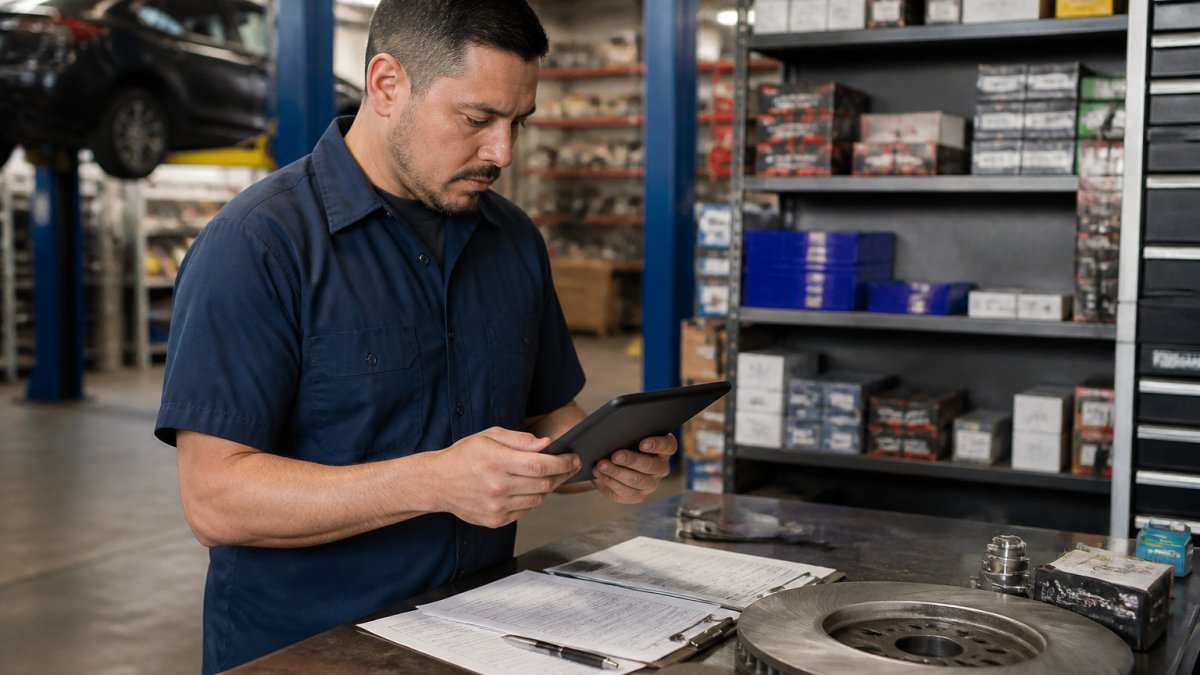
The core capabilities you should expect include:
- Invoice creation and customization: Generate professional invoices with your shop’s branding, tax calculations, and itemized labor and parts charges
- Automated line-item population: Pull labor rates, parts costs, and service descriptions from your shop database to eliminate manual data entry
- Multi-location invoicing: Consolidate invoices across multiple shop locations for fleet customers or corporate accounts
- Payment processing integration: Accept credit cards, ACH transfers, and digital wallets directly from the invoice without customers leaving your system
- Customer portal access: Let customers review, approve, and pay invoices online from any device
- Tax and compliance automation: Calculate sales tax, track taxable versus non-taxable items, and maintain audit trails automatically
When you automate invoice processing for auto shops, you’re not just saving time, you’re reducing error rates and speeding up cash flow.
The real value emerges when your invoicing system talks to other shop systems. Parts inventory, service history, and customer records should feed into the invoice automatically, that’s where digital invoicing becomes a competitive advantage.
Auto Repair Estimates and Invoices: From Approval to Payment
The estimate-to-invoice workflow is where most shops still lose efficiency. Many create estimates in one system, convert them manually to work orders in another, then generate invoices from a third, three data entries for one job.
A simplified workflow: the technician creates an estimate, the customer approves it digitally, the system converts it to a work order, labor and parts are logged as work progresses, and the final invoice generates with one click.
But software marketing skips what happens when the job doesn’t go to plan, where a digital workflow either holds together or falls apart.
The full invoice lifecycle, step by step
1. Estimate creation and customer authorization. The technician builds the estimate from labor guides, parts lookups, and prior service history.
2. Deposits and prepayment. For large jobs, engine replacements, transmission work, custom fabrication, many shops collect a deposit before ordering parts.
3. Supplements and change orders. This step breaks paper workflows.
4. Partial payments and progress billing. Fleet accounts and large jobs often pay in installments.
5. Refunds and credits. Warranty comebacks, returned parts, and billing corrections all require refunds or credits.
6. Reconciliation. When the invoice is paid, the payment should flow into your accounting platform and match against the invoice automatically.
Why the workflow matters more than the invoice template
Customer approval is the critical gate. When estimates sit in email or on paper, approval delays cascade through your schedule. Digital estimates customers can approve from their phone compress that cycle from days to hours.
Once approved, the estimate becomes your work authorization and pricing contract.
The takeaway: evaluate invoicing software by how it handles the messy middle, supplements, deposits, partial payments, refunds, not by how pretty the invoice PDF looks. That’s where the hours and the dollars actually leak.
Ask any vendor to walk you through a supplement approval and a partial payment on a live demo.
Digital Repair Orders and Job Tracking
A repair order is your operational command center for each job. It tells technicians what to do, tracks what they’ve done, and feeds data back into billing and inventory.
Digital repair orders should include:
- Vehicle and customer information pulled from your database
- Work authorization from the approved estimate
- Real-time labor tracking (start time, end time, technician assigned)
- Parts pulled from inventory with automatic cost allocation
- Notes and photo documentation of issues and completed work
- Status visibility across your team so the front desk knows what to tell customers
The best systems let technicians log time and parts on mobile devices in the bay, no clipboard, no transcription errors. Closing a repair order immediately updates inventory counts, labor hours, and invoice line items.
This real-time visibility also improves customer communication. When a customer calls, your front desk sees exactly where the job stands, which technician is on it, and what parts are installed, building trust and reducing follow-up calls.
Parts Inventory Management for Auto Shops
Your parts inventory is directly tied to invoicing accuracy and profitability. When you pull a part, its cost needs to flow into the invoice automatically. If inventory isn’t connected to invoicing, you’re manually entering costs or undercharging for parts you’ve already paid for.
Learn how to optimize parts inventory management alongside your digital invoicing. A connected system tracks:
- Real-time inventory levels so you know what’s in stock
- Automatic cost allocation when parts are pulled for a job
- Supplier integration so you can reorder when stock runs low
- Markup rules so every part is invoiced at the correct price
- Inventory write-offs for damaged or obsolete stock
When parts inventory feeds into your invoicing system, margins improve: you stop losing money on parts you forget to charge for and reduce waste by seeing which parts move slowly.
Key Features to Evaluate in Digital Invoicing Solutions
Not all invoicing software is built the same. When you’re comparing options, look beyond the basic invoice template.
Start with integration depth.
Next, evaluate mobile-first design. Your technicians work in the bay, not at a desk. Can they log time, pull parts, and capture photos from a mobile device?
Look at how to choose accounting software for auto repair centers with a focus on whether the invoicing system exports data to your accounting platform.
Consider reporting and analytics. Can you see invoice aging, payment patterns, labor profitability by technician, and parts margins by category? These insights show where you’re leaking money.
Finally, assess uptime and support. According to IMR Automotive Research’s 2026 Repair Shop Challenges report, 30% of shops cited staying current with diagnostic tools and software updates as a challenge.
Making the Transition: Migration and Scalability
Moving to a new invoicing system is a significant operational change. The migration process matters as much as the software, and it’s the part vendors gloss over in the sales demo. Here’s what a realistic transition looks like for a one- to five-bay independent shop.
What actually has to move
Before you compare vendors, inventory what you’re carrying:
- Customer records, names, contact info, billing preferences, fleet account terms
- Vehicle records, VIN, make, model, mileage history, service notes
- Service history, prior repair orders, invoices, and warranty records (often the hardest to export cleanly)
- Open repair orders, jobs in progress on cutover day
- Parts inventory, on-hand counts, cost basis, supplier part numbers, and markup rules
- Accounts receivable, unpaid invoices and outstanding balances
Ask each vendor for a sample export of your current data in a standard format (CSV is the safe baseline). If a vendor can’t tell you exactly which fields map where, that’s a warning sign. Explore automotive aftermarket ERP system benefits including inventory accuracy, supply chain visibility, and POS integration to understand how a complete system supports your digital invoicing and business growth.
A realistic migration timeline
| Phase | Timeline | Key Actions |
|---|---|---|
| Planning & setup | 2-4 weeks | Map current workflows, configure tax and labor rates, set up user permissions, train key staff |
| Data import | 1-2 weeks | Transfer customer, vehicle, and service-history records; load parts inventory counts and cost basis; validate against source |
| Parallel testing | 2-3 weeks | Run both systems on new jobs, compare invoices line by line, fix mapping errors |
| Go-live | 1 day | Switch over, keep the old system read-only for reference, monitor the first 48 hours closely |
| Post-launch support | Ongoing | Address issues, refine workflows, retrain as needed |
The cutover problem nobody warns you about
The hardest part of migration isn’t the data import, it’s the active repair orders. Cars in the bay on cutover day must finish cleanly in one system or the other. Schedule cutover for a slow day (many shops pick a Monday after a light Friday), finish or invoice all open jobs in the old system, and start fresh in the new one. Splitting a single job across two systems is where billing errors and lost parts charges happen.
Training that actually sticks
Don’t train everyone on everything. Train by role:
- Service writers need estimate creation, supplement approval, payment collection, and customer communication
- Technicians need mobile time logging, parts pulls, and photo documentation
- The owner or manager needs reporting, reconciliation, and user administration
Run one live job through the new system with each role before go-live. A single dry run catches more problems than a week of classroom training.
Scalability: what to check before you commit
Scalability is critical if you’re planning to expand. Ask specifically:
- Can it manage multiple locations with separate tax rates and shared customer accounts?
- Can it process higher invoice volume without slowdowns during peak season?
- Can it add payment methods, reporting features, or integrations as you evolve?
- Does the parts inventory module scale with additional bays and technicians, or does it require a separate upgrade?
Blue Sage Software’s platform is built for growth. With over 35 years in the automotive aftermarket, we understand how independent shops scale. Our flexible deployment options, on-premise or cloud-based, let you choose the configuration that fits your current needs and adapts as you expand. Whether you’re managing one location or planning to grow to multiple shops, the system scales with you.
Get your data export terms in writing before you sign. You should be able to pull your customer, vehicle, and service-history records in a standard format at any time, not just during a trial period. Data ownership is part of the deal.
Frequently Asked Questions
What features should auto repair invoicing software include?
Essential features include invoice creation with customizable templates, automatic tax calculation, customer approval workflows, and integrated payment processing. Look for repair order integration that converts estimates directly to invoices, reducing manual entry errors. Digital vehicle records and service history tracking help you reference past work. Mobile access lets technicians update jobs on the floor. Parts inventory management ensures accurate line items and prevents overselling. Payment collection options should include online payments, credit cards, and digital signing for work authorization.
Can auto repair invoicing software turn estimates into invoices automatically?
Yes. Leading solutions allow customers to approve estimates digitally, then convert approved estimates directly into invoices with a single action. This eliminates retyping labor and parts, cuts processing time, and reduces errors. The workflow captures customer approval, maintains a complete audit trail, and accelerates billing. Some platforms let technicians generate estimates on mobile devices during inspections, further streamlining the estimate-to-invoice conversion and speeding up customer communication.
How does digital invoicing reduce costs for independent auto shops?
Digital invoicing cuts administrative overhead by automating invoice creation, delivery, and payment collection. Digital delivery by email or text eliminates printing and postage. Automated payment reminders and online payment options accelerate cash flow. Integration with accounting systems eliminates duplicate data entry.
What should independent auto shops compare when choosing invoicing software?
Prioritize scalability, your platform should grow from one location to multiple stores without performance issues. Evaluate ease of migration: how much historical data can transfer, and what training does the vendor provide? Check uptime reliability and offline access capabilities so you can invoice during system outages. Review mobile functionality for technicians and customers. Assess parts inventory integration to ensure accurate line-item billing. Confirm payment processing options and security compliance. Request references from shops similar to your size and business model. Understand total cost of ownership, including setup, training, and ongoing support.
